AES filing
The EEI checked before you file it in AESDirect
Each field of your EEI is checked against 15 CFR 30.6 and laid out in AESDirect's order, so filing in your ACE account takes minutes. You stay the filer of record, or your forwarder files from the SLI.
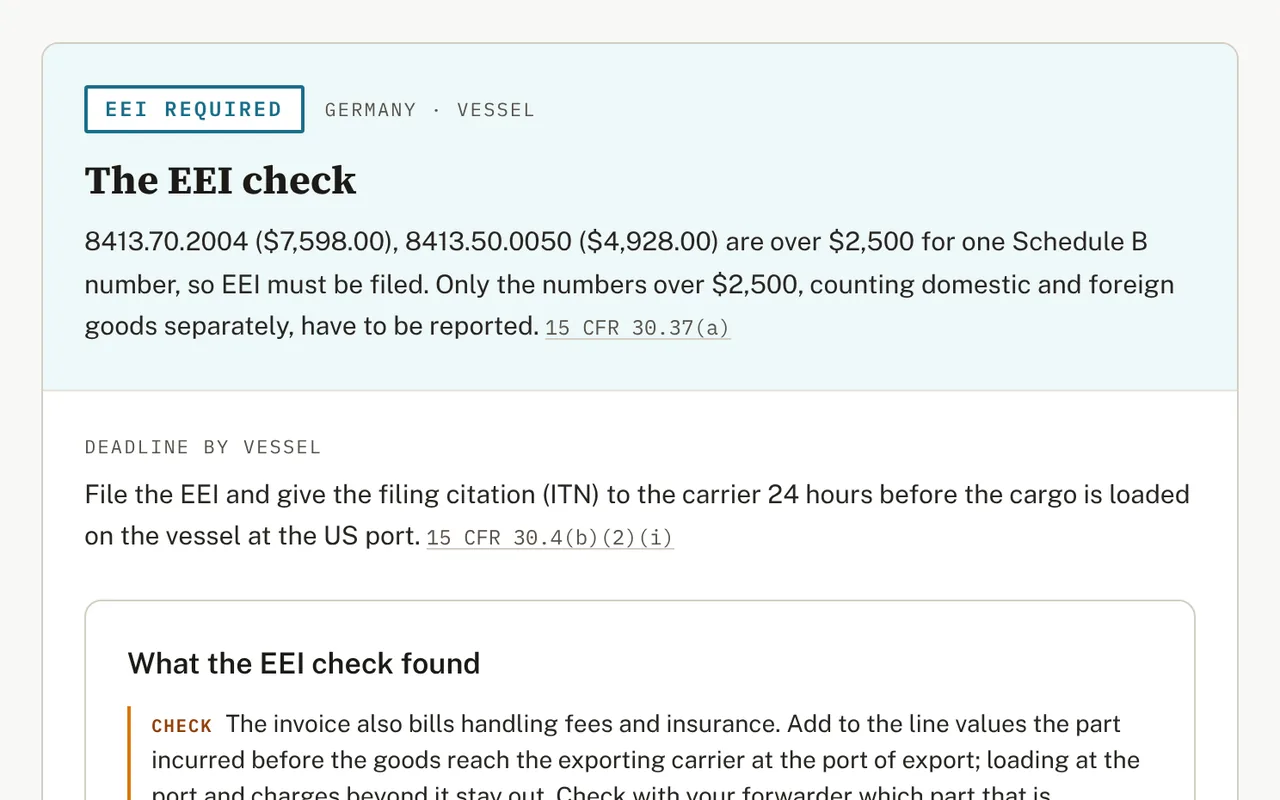
- Whether you must file, with the 15 CFR Part 30 section
- Every value checked, in AESDirect's order
- ITN, documents and screening kept together for five years
See the documents for a sample shipment now, with no sign-up.
From shipment to ITN
-
1
Build the filing
USPPI, consignee, Schedule B lines, values, port and mode come from the shipment.
-
2
Fix what is missing
Each value is checked against 15 CFR 30.6 before you file.
-
3
File in your ACE account
The EEI is laid out in AESDirect's order. You file it and stay the filer of record.
-
4
Keep the ITN
Add the ITN or the AES email to the shipment, with its documents.
Who files
You file the EEI in AESDirect with an ACE Exporter Account and stay the filer of record (15 CFR 30.2), or your forwarder files it as your authorized agent with your written authorization (15 CFR 30.3).
What comes with the filing
-
Every plan
EEI checked before you file
The Electronic Export Information built from the shipment, each field checked against 15 CFR 30.6, with the filing deadline for the mode of transport. Or the SLI for your forwarder. 15 CFR 30.6 (opens in a new tab)
-
Every plan
AESDirect filing sheet
Your checked EEI laid out in AESDirect's order, so filing in your ACE account takes minutes. The ITN or the AES email goes onto the shipment.
-
Every plan
Shipper's letter of instruction (SLI)
In the NCBFAA format forwarders work from, with the authorization to file for you.
-
Every plan
A share link for your forwarder on every shipment
Your forwarder opens the shipment, with its parties and the Schedule B number on every line, confirms receipt and can enter the ITN, without an account.
-
Every plan
Restricted party screening
Purchaser, consignees, end user and forwarder checked against the US restricted party lists, with the result saved on the shipment.
-
Every plan
Export license check
From the ECCN and the destination, whether the EAR calls for a license or a license exception may apply, with the 15 CFR part cited. 15 CFR Part 738 (opens in a new tab)
It supports your licensing decision. The decision stays with you.
-
Every plan
A five-year record of every shipment
Documents, screening results, codes, the ITN and an audit trail of each step, kept together for five years. Lock a filed shipment so it cannot be changed by mistake. 15 CFR 30.10 (opens in a new tab)
-
Free
Export filing check
Whether EEI is required for your value and destination, with the 15 CFR Part 30 section. 15 CFR Part 30 (opens in a new tab)
Free filing check
Check a shipment's filing requirement now
Enter each Schedule B number with its value, the destination and how it ships. You see whether EEI is required, the 15 CFR Part 30 section and the deadline.
Guides: When is EEI filing required?, How to file EEI in AESDirect, AES filing errors and rejections.
Questions
Check the EEI before you file
Start in your browser today, or book a demo with a shipment like yours.